
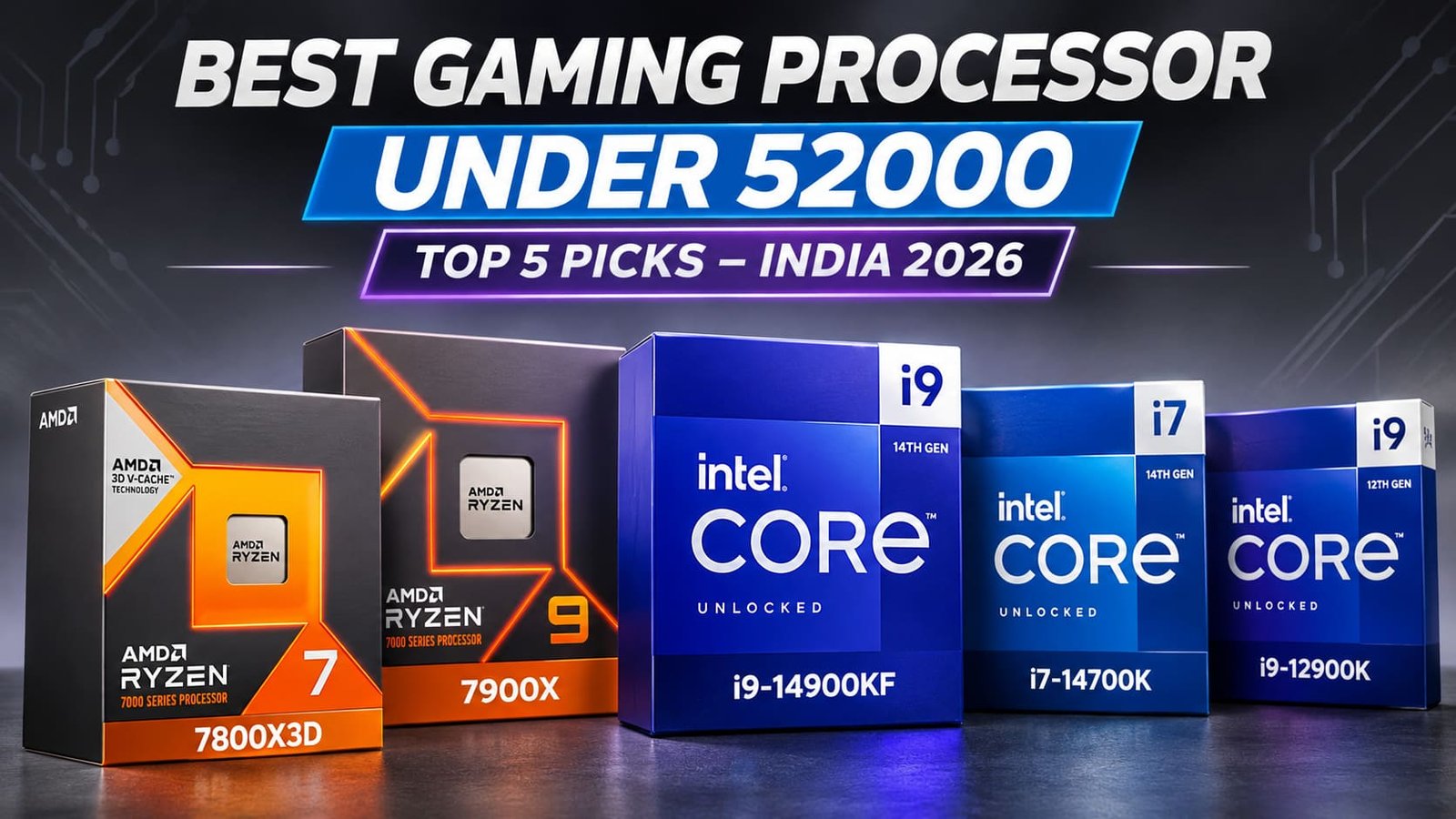

Choosing the Best Gaming Processor for PC Under 52000 is important for building a powerful gaming PC in 2026. A good CPU delivers smooth gameplay, higher FPS, and better multitasking. Factors such as cores, threads, clock speed, cache memory, and processor architecture directly influence gaming performance. Pairing your CPU with a suitable graphics card is equally important to avoid bottlenecks and achieve consistent gaming performance.
In this guide, we have selected five powerful processors: AMD Ryzen 7 7800X3D, Intel Core i9-14900KF, Intel Core i7-14700K, AMD Ryzen 9 7900X, and Intel Core i9-12900K. AMD Ryzen processors offer excellent gaming and multitasking capabilities, while Intel Core CPUs deliver strong clock speeds and multi-core performance. We compare their specifications, gaming capabilities, motherboard compatibility, and cooling requirements to help you choose the right processor according to your budget, gaming needs, and productivity workloads.
Table of Contents
1: Best Gaming Processor for PC Under 52000 in India – Top 5 Picks
1.1: AMD Ryzen 7 7800X3D Desktop Processor – 8 Cores, 16 Threads, 104MB Cache
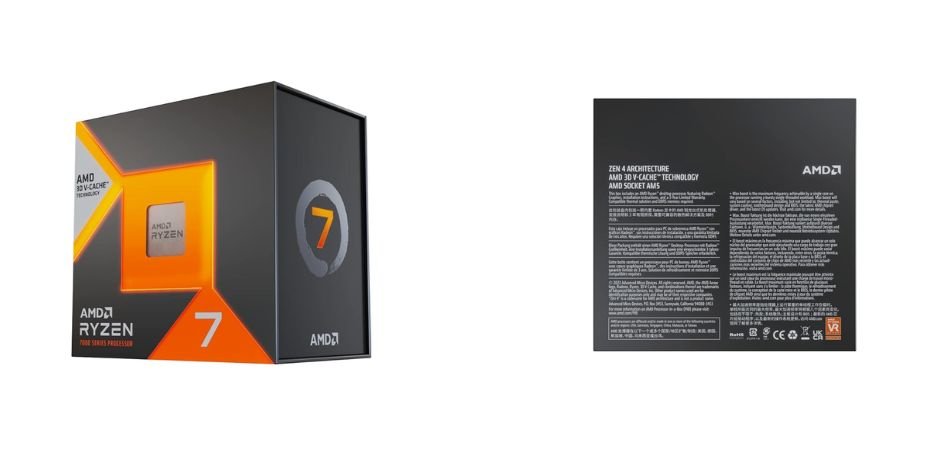
The AMD Ryzen 7 7800X3D is a powerful gaming processor featuring AMD 3D V-Cache technology, 8 cores, 16 threads, and 104MB total cache. Built on the AM5 platform, it delivers excellent gaming performance and multitasking capabilities.
Key Specifications
| Specification | Details |
|---|---|
| Processor | AMD Ryzen 7 7800X3D |
| Cores / Threads | 8 / 16 |
| Base Clock | 4.2 GHz |
| Max Boost Clock | Up to 5.0 GHz |
| Total Cache | 104MB |
| Socket | AM5 |
| TDP | 120W |
| Memory Support | DDR5 |
| Architecture | Zen 4 |
| Cooler | Not included |
Gaming Performance
Its 3D V-Cache technology delivers excellent gaming performance, making it ideal for high-FPS gaming and demanding AAA titles.
Pros and Cons
✓ Pros
- Excellent gaming performance
- 104MB total cache
- 8 cores and 16 threads
- Efficient gaming architecture
- DDR5 memory support
- AM5 platform compatibility
× Cons
- No bundled CPU cooler
- Requires an AM5 motherboard
- Premium pricing
Best For
1.2: Intel Core i9-14900KF Desktop Processor – 24 Cores, 32 Threads, Up to 6.0 GHz

The Intel Core i9-14900KF is a high-performance unlocked desktop processor featuring 24 cores, 32 threads, and hybrid architecture. With impressive clock speeds and powerful multitasking capabilities, it is an excellent choice for premium gaming PCs.
Key Specifications
| Specification | Details |
|---|---|
| Processor | Intel Core i9-14900KF |
| Cores / Threads | 24 / 32 |
| P-Cores / E-Cores | 8 / 16 |
| Max Turbo Frequency | Up to 6.0 GHz |
| P-Core Base Frequency | 3.2 GHz |
| Cache | 36MB Intel Smart Cache |
| Socket | LGA 1700 |
| Processor Base Power | 125W |
| Maximum Turbo Power | 253W |
| Memory Support | DDR5 / DDR4 |
| Overclocking | Unlocked |
| Integrated Graphics | No |
Gaming Performance
The Intel Core i9-14900KF delivers excellent gaming performance, high frame rates, and powerful multitasking, making it suitable for demanding AAA games and competitive gaming.
Pros and Cons
✓ Pros
- 24 cores and 32 threads
- Up to 6.0 GHz clock speed
- Excellent gaming performance
- Unlocked overclocking support
- DDR5 and DDR4 compatibility
- Strong multitasking capabilities
× Cons
- High power consumption
- Requires powerful CPU cooling
- No integrated graphics
Best For
1.3: Intel Core i7-14700K Desktop Processor – 20 Cores, 28 Threads, Up to 5.6 GHz
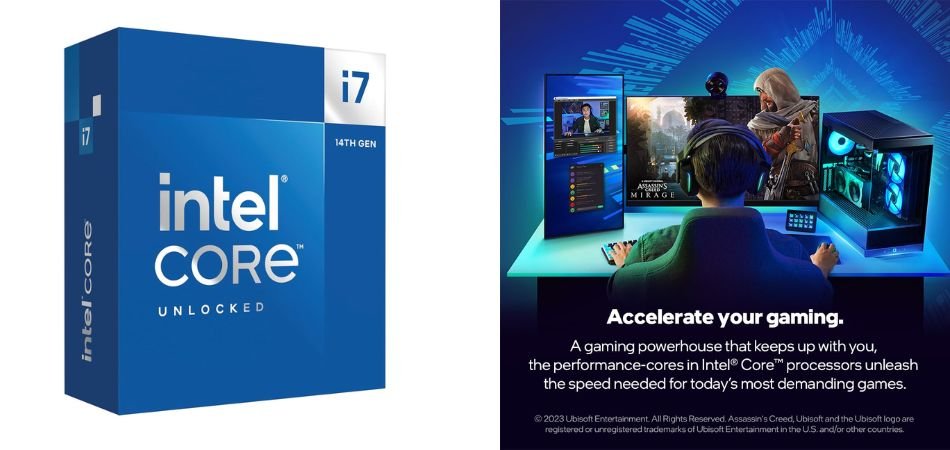
The Intel Core i7-14700K is a powerful gaming processor featuring 20 cores, 28 threads, and integrated graphics. Its hybrid architecture delivers excellent gaming, multitasking, and productivity performance, making it a strong choice for high-performance PC builds.
Key Specifications
| Specification | Details |
|---|---|
| Processor | Intel Core i7-14700K |
| Cores / Threads | 20 / 28 |
| P-Cores / E-Cores | 8 / 12 |
| Max Turbo Frequency | Up to 5.6 GHz |
| P-Core Base Frequency | 3.4 GHz |
| E-Core Base Frequency | 2.5 GHz |
| Cache | 33MB Intel Smart Cache |
| Socket | LGA 1700 |
| Processor Base Power | 125W |
| Maximum Turbo Power | 253W |
| Memory Support | DDR5 / DDR4 |
| Integrated Graphics | Intel UHD Graphics 770 |
| Overclocking | Unlocked |
Gaming Performance
The Intel Core i7-14700K delivers high frame rates in demanding AAA and competitive games. Its strong single-core performance and additional E-cores also support smooth multitasking and streaming.
Pros and Cons
✓ Pros
- 20 cores and 28 threads
- Up to 5.6 GHz turbo speed
- Excellent gaming performance
- Integrated Intel UHD Graphics 770
- DDR5 and DDR4 memory support
- Unlocked overclocking capabilities
× Cons
- High power consumption
- Requires powerful CPU cooling
- LGA 1700 platform has limited upgrade options
Best For
1.4: AMD Ryzen 9 7900X Desktop Processor – 12 Cores, 24 Threads, Up to 5.6 GHz
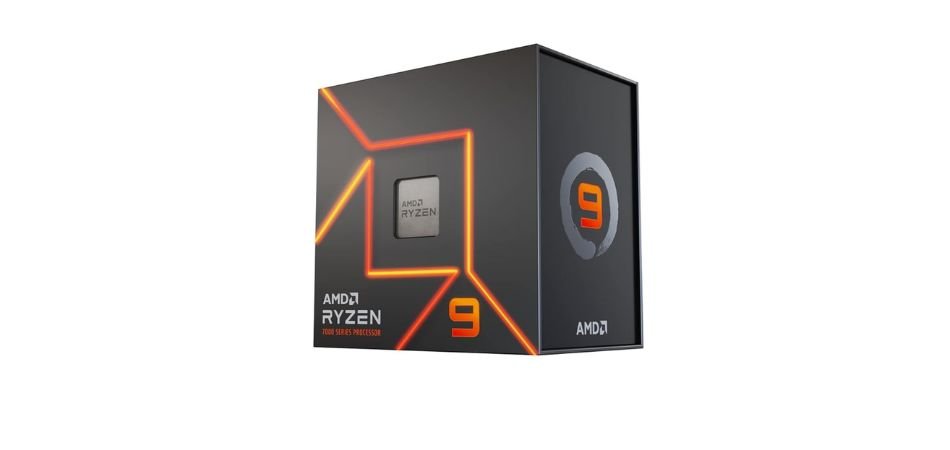
The AMD Ryzen 9 7900X is a high-performance desktop processor featuring 12 cores, 24 threads, and 76MB total cache. Built on AMD’s Zen 4 architecture, it offers powerful gaming, multitasking, and content creation capabilities with AM5 platform support.
Key Specifications
| Specification | Details |
|---|---|
| Processor | AMD Ryzen 9 7900X |
| Architecture | Zen 4 |
| Cores / Threads | 12 / 24 |
| Base Clock | 4.7 GHz |
| Max Boost Clock | Up to 5.6 GHz |
| Total Cache | 76MB |
| L2 Cache | 12MB |
| L3 Cache | 64MB |
| Socket | AM5 |
| TDP | 170W |
| Memory Support | DDR5 |
| PCIe Support | PCIe 5.0 |
| Integrated Graphics | AMD Radeon Graphics |
| Cooler | Not included |
Gaming Performance
The Ryzen 9 7900X delivers excellent gaming performance with high clock speeds and strong multi-core capabilities. It is suitable for demanding AAA games, high-refresh-rate gaming, and simultaneous streaming.
Pros and Cons
✓ Pros
- 12 cores and 24 threads
- Up to 5.6 GHz boost clock
- Large 76MB total cache
- Excellent multitasking performance
- DDR5 and PCIe 5.0 support
- Integrated Radeon Graphics
× Cons
- 170W power consumption
- Requires a powerful CPU cooler
- AM5 motherboard required
Best For
1.5: Intel Core i9-12900K Desktop Processor – 16 Cores, 24 Threads, Up to 5.2 GHz
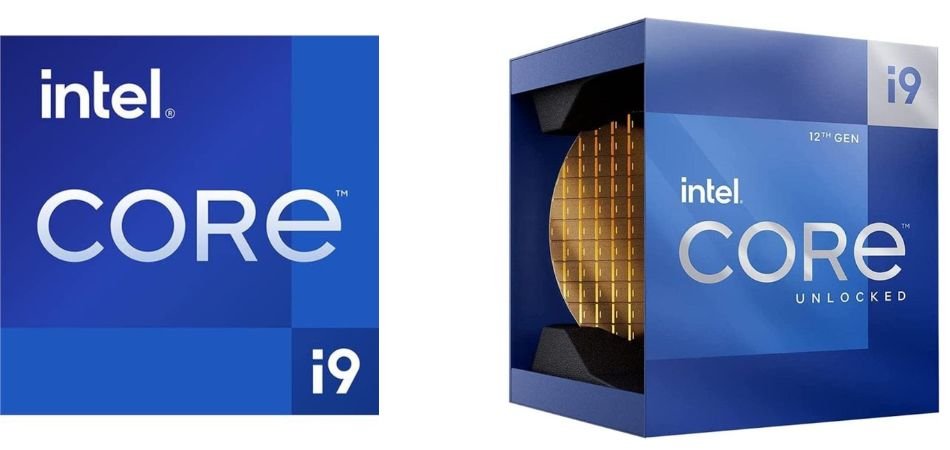
The Intel Core i9-12900K is a powerful 12th-generation desktop processor featuring 16 cores, 24 threads, and hybrid architecture. With unlocked overclocking, it delivers excellent gaming, multitasking, and productivity performance.
Key Specifications
| Specification | Details |
|---|---|
| Processor | Intel Core i9-12900K |
| Generation | 12th Gen Alder Lake |
| Cores / Threads | 16 / 24 |
| P-Cores / E-Cores | 8 / 8 |
| Max Turbo Frequency | Up to 5.2 GHz |
| P-Core Base Frequency | 3.2 GHz |
| E-Core Base Frequency | 2.4 GHz |
| Cache | 30MB Intel Smart Cache |
| L2 Cache | 14MB |
| Socket | LGA 1700 |
| Processor Base Power | 125W |
| Maximum Turbo Power | 241W |
| Memory Support | DDR5 / DDR4 |
| Integrated Graphics | Intel UHD Graphics 770 |
| Overclocking | Unlocked |
Gaming Performance
The Intel Core i9-12900K offers excellent gaming performance with high clock speeds and strong single-core capabilities. Its hybrid architecture also handles streaming and demanding background applications efficiently.
Pros and Cons
✓ Pros
- 16 cores and 24 threads
- Up to 5.2 GHz turbo speed
- Excellent gaming performance
- DDR5 and DDR4 support
- Integrated Intel UHD Graphics 770
- Unlocked overclocking support
× Cons
- High power consumption
- Requires powerful CPU cooling
- Older LGA 1700 platform
Best For
2: Comparison Table
| Processor | Cores / Threads | Max Boost | Cache | Socket |
|---|---|---|---|---|
| AMD Ryzen 7 7800X3D | 8 / 16 | 5.0 GHz | 104MB | AM5 |
| Intel Core i9-14900KF | 24 / 32 | 6.0 GHz | 36MB | LGA 1700 |
| Intel Core i7-14700K | 20 / 28 | 5.6 GHz | 33MB | LGA 1700 |
| AMD Ryzen 9 7900X | 12 / 24 | 5.6 GHz | 76MB | AM5 |
| Intel Core i9-12900K | 16 / 24 | 5.2 GHz | 30MB | LGA 1700 |
3: Which Gaming Processor Should You Choose?
Choosing the best gaming processor under 52000 depends on your gaming and multitasking needs. Here are our top recommendations for 2026.
| Category | Recommended Processor |
|---|---|
| Best Overall Gaming | AMD Ryzen 7 7800X3D |
| Best High-End Intel CPU | Intel Core i9-14900KF |
| Best Gaming & Productivity | Intel Core i7-14700K |
| Best AMD Multitasking CPU | AMD Ryzen 9 7900X |
| Best Previous-Gen Intel CPU | Intel Core i9-12900K |
Quick Recommendations:
- 7800X3D: Best for gaming with 3D V-Cache.
- i9-14900KF: Best for high-end gaming and multitasking.
- i7-14700K: Excellent for gaming, streaming, and editing.
- Ryzen 9 7900X: Best for gaming and productivity.
- i9-12900K: Good option at a competitive price.
Our Pick: AMD Ryzen 7 7800X3D for a gaming-focused PC build.
4: How to Choose the Best Gaming Processor Under 52000?
Before buying a gaming CPU in 2026, consider these 8 important factors.
1. CPU Cores and Threads
- 8 Cores: Excellent for gaming.
- 12 Cores: Gaming and multitasking.
- 16–24 Cores: Gaming, streaming, and productivity.
- Prioritize gaming performance, not just core count.
2. Clock Speed and Boost Frequency
- Base Clock: Normal operating speed.
- Boost Clock: Maximum advertised frequency.
- Higher clock speeds and strong single-core performance can improve gaming FPS.
3. Cache Memory and AMD 3D V-Cache
- L2 Cache: Fast, core-level memory.
- L3 Cache: Larger shared memory.
- AMD 3D V-Cache can significantly improve performance in supported games.
- The Ryzen 7 7800X3D offers 104MB of total cache.
4. AMD AM5 vs Intel LGA 1700
- AM5: Supports Ryzen 7000 and newer compatible processors; DDR5 only.
- LGA 1700: Supports Intel 12th-, 13th-, and 14th-gen CPUs.
- Check motherboard compatibility, BIOS, and upgrade options.
5. DDR4 vs DDR5 RAM
- AMD Ryzen 7000 requires DDR5.
- Intel 12th–14th Gen supports DDR4 or DDR5, depending on the motherboard.
- Recommended: 32GB (2×16GB) RAM for modern gaming.
6. CPU Cooling Requirements
- Air coolers: Suitable for moderate-power CPUs.
- 240mm AIO: Suitable for many high-performance builds.
- 360mm AIO: Worth considering for high-power CPUs like i9-14900KF.
- Maintain good cabinet airflow.
7. Power Consumption and PSU
- Check CPU power requirements and motherboard VRM quality.
- Choose a reliable 750W–850W PSU for many high-performance builds, depending on GPU requirements.
- Prefer reputable PSU brands.
8. Integrated Graphics vs Dedicated GPU
- Intel K: Includes integrated graphics.
- Intel KF: No integrated graphics.
- AMD Ryzen 7000: Includes basic integrated Radeon graphics on these models.
- A dedicated graphics card is essential for serious gaming.
5: AMD Ryzen vs Intel Core – Which Is Better for Gaming?
Both AMD Ryzen and Intel Core deliver excellent gaming performance in 2026.
- Gaming: Ryzen 7 7800X3D offers excellent gaming performance with 3D V-Cache.
- Clock Speed: Intel processors offer strong single-core performance.
- Cache: AMD X3D processors excel in cache-intensive games.
- Power & Cooling: Ryzen 7800X3D is more power-efficient than i9-14900KF.
- Productivity: Intel i7-14700K and Ryzen 9 7900X are excellent for multitasking.
- Upgrade Options: AMD AM5 offers newer-generation upgrade possibilities.
Final Verdict: Choose AMD Ryzen 7 7800X3D for gaming and Intel Core i7-14700K or Ryzen 9 7900X for gaming and productivity.
6: Frequently Asked Questions (FAQs)
Q1. Which is the best gaming processor under 52000 in India?
The AMD Ryzen 7 7800X3D is an excellent gaming choice, featuring 8 cores, 16 threads, and 104MB total cache with 3D V-Cache technology.
Q2. Is AMD Ryzen 7 7800X3D better than Intel Core i9-14900KF for gaming?
The Ryzen 7 7800X3D can deliver better gaming performance in many CPU-intensive titles, while the i9-14900KF offers stronger multi-core capabilities.
Q3. Is Intel Core i7-14700K good for high-end gaming?
Yes. With 20 cores, 28 threads, and up to 5.6 GHz boost speed, it is excellent for gaming, streaming, and video editing.
Q4. Which is better for gaming, Ryzen 7 7800X3D or Ryzen 9 7900X?
The Ryzen 7 7800X3D is generally better for gaming, while the Ryzen 9 7900X is more suitable for video editing and multitasking.
Q5. Is Intel Core i9-12900K still worth buying in 2026?
Yes, if available at a competitive price. It offers 16 cores, 24 threads, and up to 5.2 GHz boost speed. However, compare its price and performance with newer processors before purchasing.
7: Final Verdict
Choosing the Best Gaming Processor for PC Under 52000 depends on your gaming requirements and budget. The AMD Ryzen 7 7800X3D is an excellent choice for gaming-focused builds, thanks to its 3D V-Cache technology and strong gaming performance. The Intel Core i9-14900KF is suitable for high-end gaming and heavy multitasking, while the Intel Core i7-14700K offers an excellent balance of gaming, streaming, and productivity. The AMD Ryzen 9 7900X is ideal for gamers who also work with content creation, video editing, and rendering.
The Intel Core i9-12900K remains a good alternative for compatible LGA 1700 builds, especially at a competitive price. Before purchasing, consider your motherboard, CPU cooler, RAM, and graphics card costs to ensure your complete PC build stays within budget. Ultimately, choose a processor that delivers the right balance of gaming performance, productivity, and long-term value for your requirements.